UX/UI Design · Business Strategy
The Hidden ROI of UX/UI Design in Internal Business Applications
Internal tools rarely get the design attention they deserve. The cost shows up in lost productivity, higher training overhead, and employees who fight their own software every day.
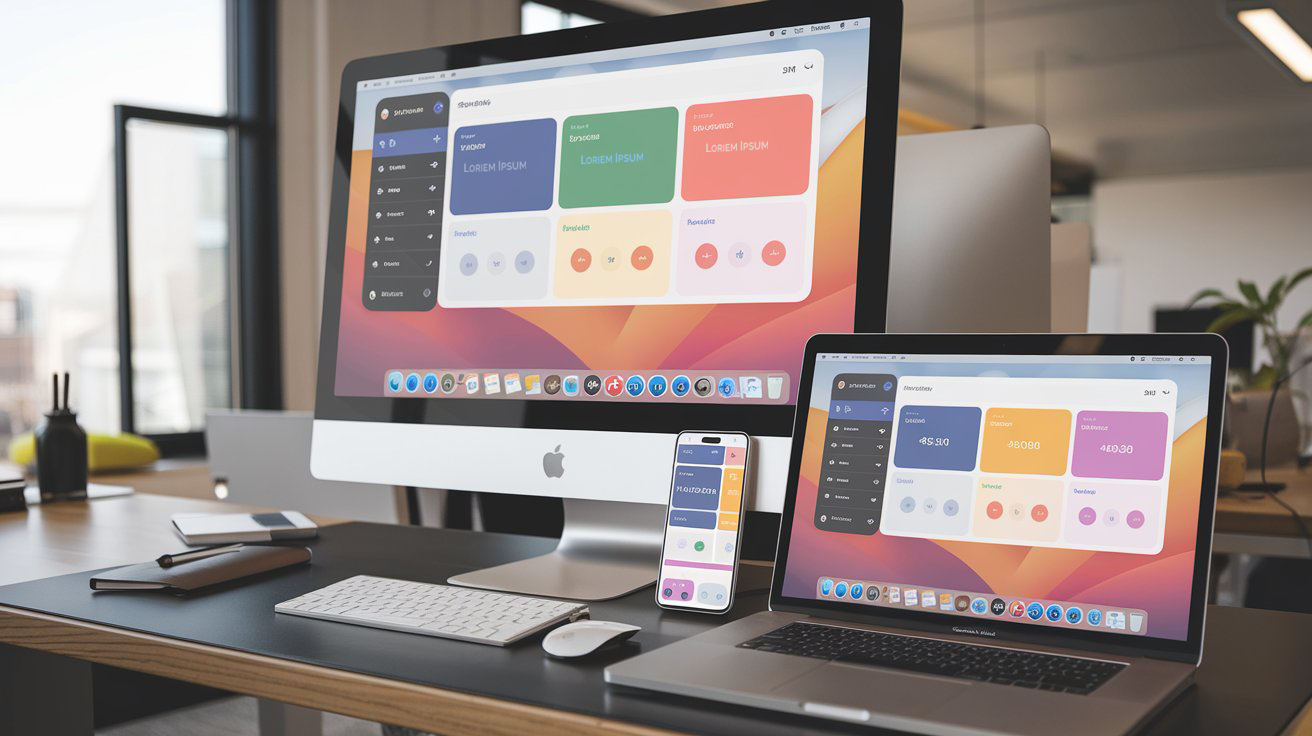
Internal business applications rarely get the design attention that customer-facing products receive. The reasoning usually goes: employees have to use these tools anyway, so why invest in making them pleasant? That logic ignores the cost of friction. When internal tools are hard to use, companies pay for it in lost productivity, higher training overhead, increased error rates, and employee frustration that compounds over time.
The measurable cost of poor internal UX
Research from the Harvard Business Review found that employees waste an average of 8.8 hours per week dealing with poorly designed internal tools. That is more than a full working day lost every week to fighting software instead of doing productive work. Multiply that across a 500-person organization and the numbers become significant.
Forrester has separately documented that poor internal tool usability increases training time by 40-60% and support ticket volume by 30-50%. These are direct, measurable costs that show up in operational budgets. They are also largely avoidable with intentional design investment.
Employee experience is user experience
The same principles that make consumer products successful apply to internal tools. Users (employees) need clear navigation, consistent patterns, fast load times, helpful error messages, and interfaces that respect their time. The difference is that employees cannot choose a competitor when the tool is bad. They work around it, build spreadsheet workarounds, or develop manual processes that the tool was supposed to replace.
Those workarounds introduce risk. Manual data entry creates errors. Spreadsheet-based processes break when people leave the team. Shadow IT solutions bypass security and compliance controls. Every workaround is a signal that the official tool is failing its users.
Internal branding creates organizational identity
Internal tools that look generic or outdated send a message to employees: this is not a priority. When companies invest in the visual quality and usability of their internal platforms, they signal that employee experience matters. That signal has a measurable effect on engagement and retention.
Consistent branding across internal tools also reduces cognitive load. When every internal application follows the same design patterns, uses the same component library, and speaks the same visual language, employees spend less time learning new interfaces and more time doing their work.
Design principles for internal applications
Internal tool design follows the same core principles as any good product design, with a few specific considerations. Task efficiency matters more than visual polish. Internal users repeat the same workflows hundreds of times, so shaving seconds off common actions compounds into meaningful productivity gains.
Information density is often higher in internal tools. Dashboards, data tables, and reporting interfaces need to present large amounts of data without overwhelming users. The solution is progressive disclosure: show the most important information by default, and let users drill into detail on demand. Clear visual hierarchy, sortable and filterable tables, and saved view configurations all help.
Error prevention is critical. Internal tools often handle sensitive data, financial transactions, or compliance workflows. Well-designed confirmation steps, undo functionality, and clear validation messages prevent costly mistakes.
Measuring the impact of internal UX investment
The ROI of internal tool design is measurable through several channels. Task completion time shows whether users finish workflows faster after a redesign. Error rates reveal whether the interface prevents mistakes. Support ticket volume indicates whether users need less help. User satisfaction scores (like System Usability Scale or SUS) provide a standardized measure of perceived quality.
Training time is another powerful metric. Well-designed internal tools with intuitive interfaces and in-context help reduce onboarding time for new employees. When a new hire needs two days of training instead of two weeks, the return on design investment is clear.
Implementation strategies that work
The most effective approach is a shared design system for internal tools. This gives every team a set of pre-built, tested components that are consistent, accessible, and on-brand. It reduces duplicate work, accelerates development, and ensures quality across applications.
Start with the highest-friction tools. Identify the internal applications that employees complain about most, that generate the most support tickets, or that have the most manual workarounds. Redesigning those tools first produces visible, measurable improvement that builds organizational support for further investment.
Treat internal tool users as real users. Conduct user research with employees. Run usability tests. Collect feedback systematically. The same research methods that improve consumer products work equally well for internal platforms. The only difference is that your users sit in the next building instead of across the internet.
Chris McGuire is a product, UX, and engineering leader with 20+ years of experience building systems that bridge user needs, design rigor, and software delivery. He writes about frontend engineering, UX design, and product execution at paguire.com.