One-click clipping
Save highlighted content via context menu or keyboard shortcuts without breaking focus.
Capture web content in one click. Never lose a great idea again.
One-click web clipping with AI organization. Save, search, remember everything.
Highlight anything, right-click to save, and instantly find it again thanks to AI-powered tagging, full-text search, and a beautiful dashboard that adapts to desktop, tablet, and mobile views while keeping your data on-device.
SnapClipper removes the friction from knowledge capture. Everything you save is automatically categorized, searchable in seconds, and stored privately on your device. Whether you're studying, designing, coding, or researching, you get a calm dashboard that keeps ideas at your fingertips.
One-Click Saving: Highlight text anywhere, right-click, and save without popups or modal interruptions.
AI-Powered Organization: Automatic tagging across Research, Inspiration, Code, Quotes, News, Tutorials, Ideas, and Notes.
Beautiful Dashboard: A responsive workspace with dark mode, filters, and saved views for every device size.
Privacy First: Clips never leave your browser storage. We do not track activity or sell data—your knowledge stays yours.
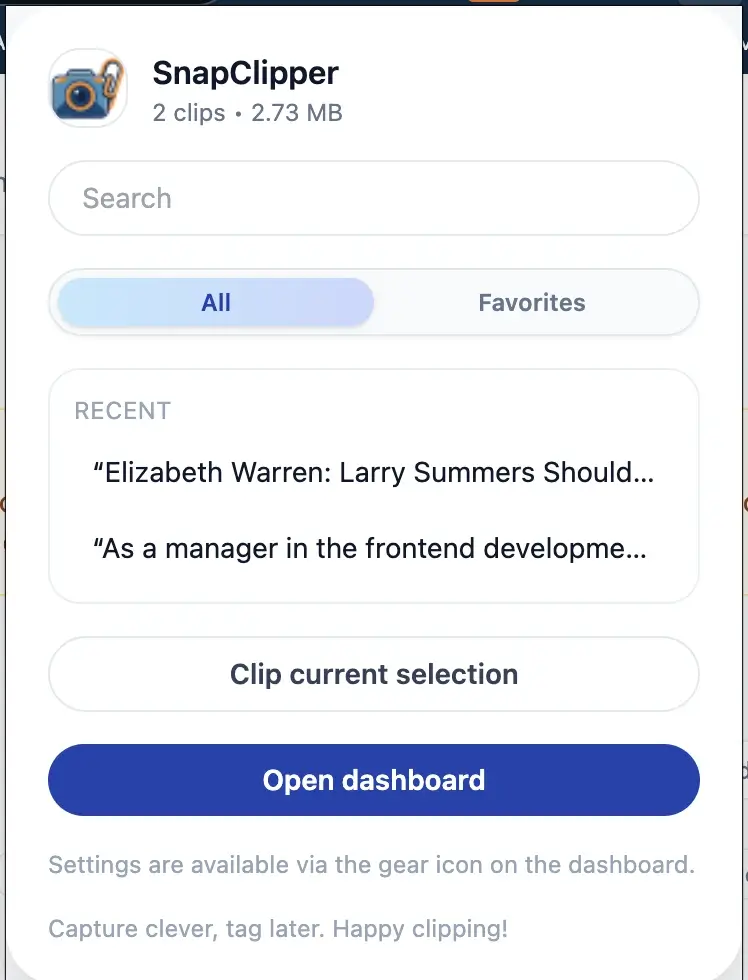
A quick peek at the primary surfaces people see every day inside SnapClipper. These visuals are derived from the provided reference screenshots so the layout stays faithful to the actual extension.
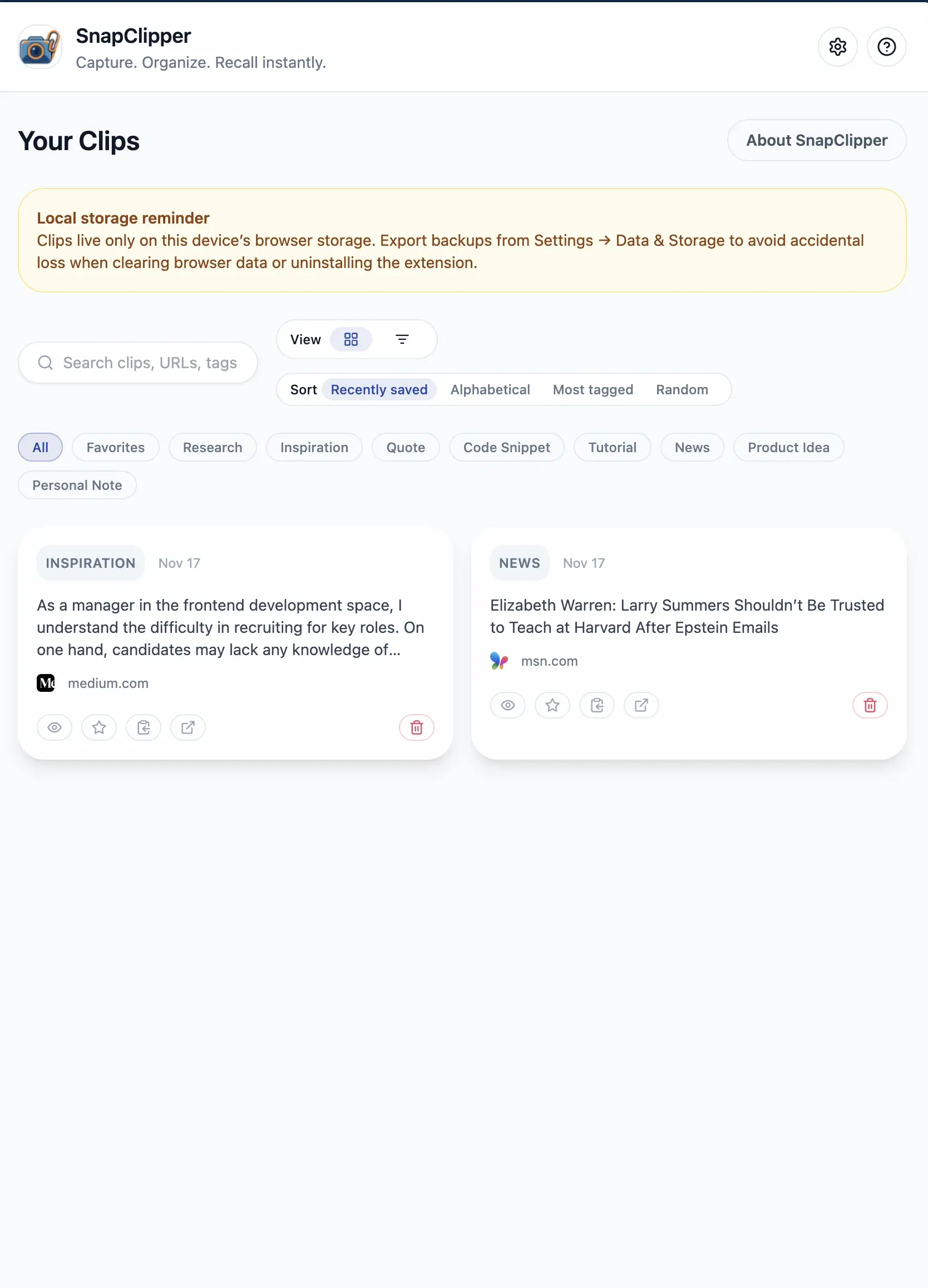
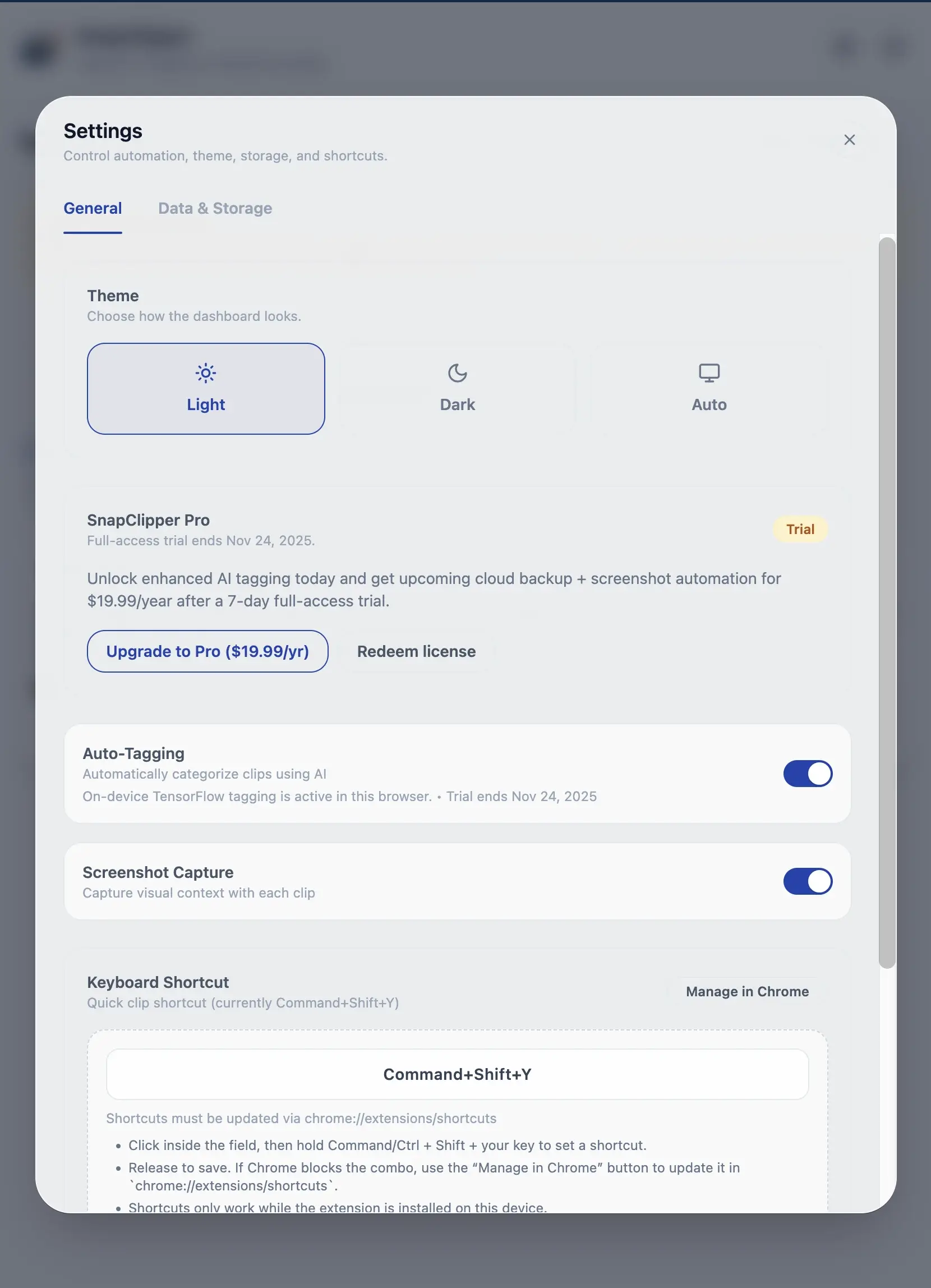
Features are grouped into compact tiles so teams can quickly scan what matters without endless scrolling.
Save highlighted content via context menu or keyboard shortcuts without breaking focus.
Smart models categorize every clip with labels such as Research, Inspiration, Code, Quote, Tutorial, News, Idea, and Note.
Browse recents, favorites, or tag groups in a calm interface with light and dark themes.
Instantly search across clip titles, body text, URLs, and tags—even with thousands of entries.
Slice your knowledge base by categories, saved filters, or chronological snapshots.
Move research into docs, wikis, or data pipelines with Markdown or JSON exports.
Toggle light/dark themes and rely on keyboard navigation that feels native to Chrome.
Command+Shift+Y (customizable) lets power users capture ideas without touching the mouse.
No ads, no upsells, no tracking. Own your content with local-first privacy.
A redesigned stepper makes onboarding clearer than ever.
Add the Chrome extension, pin it to your toolbar, and grant clipping permissions.
Select text on any website. SnapClipper preserves the surrounding context automatically.
Choose “Clip with Context,” or tap the keyboard shortcut to save without lifting your hands.
Open the dashboard, filter by tag or date, and keep moving with confidence.
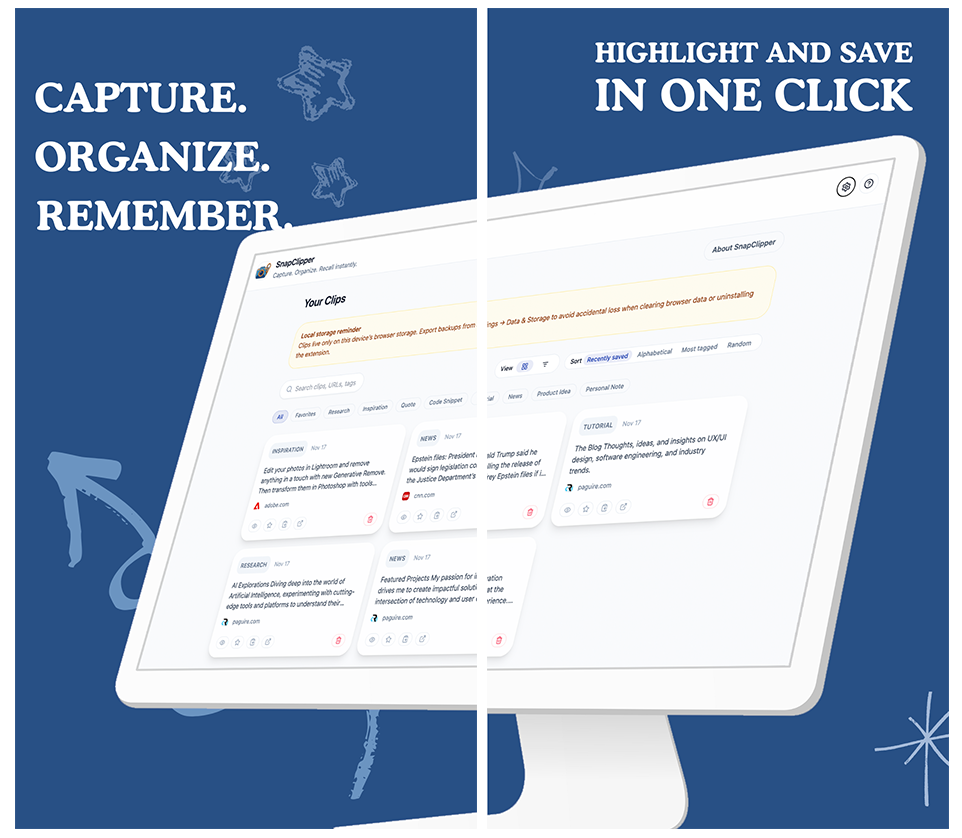
Your clips live only inside this device’s browser storage. Export backups anytime from Settings → Data & Storage, and rest easy knowing there are no trackers, no ads, and no hidden sync processes.
Need screenshots with every clip? Enable Screenshot Capture and keep visual context without sending data to external servers.
Read our Privacy Policy